

Add a WhatsApp chat button to the WHMCS client area
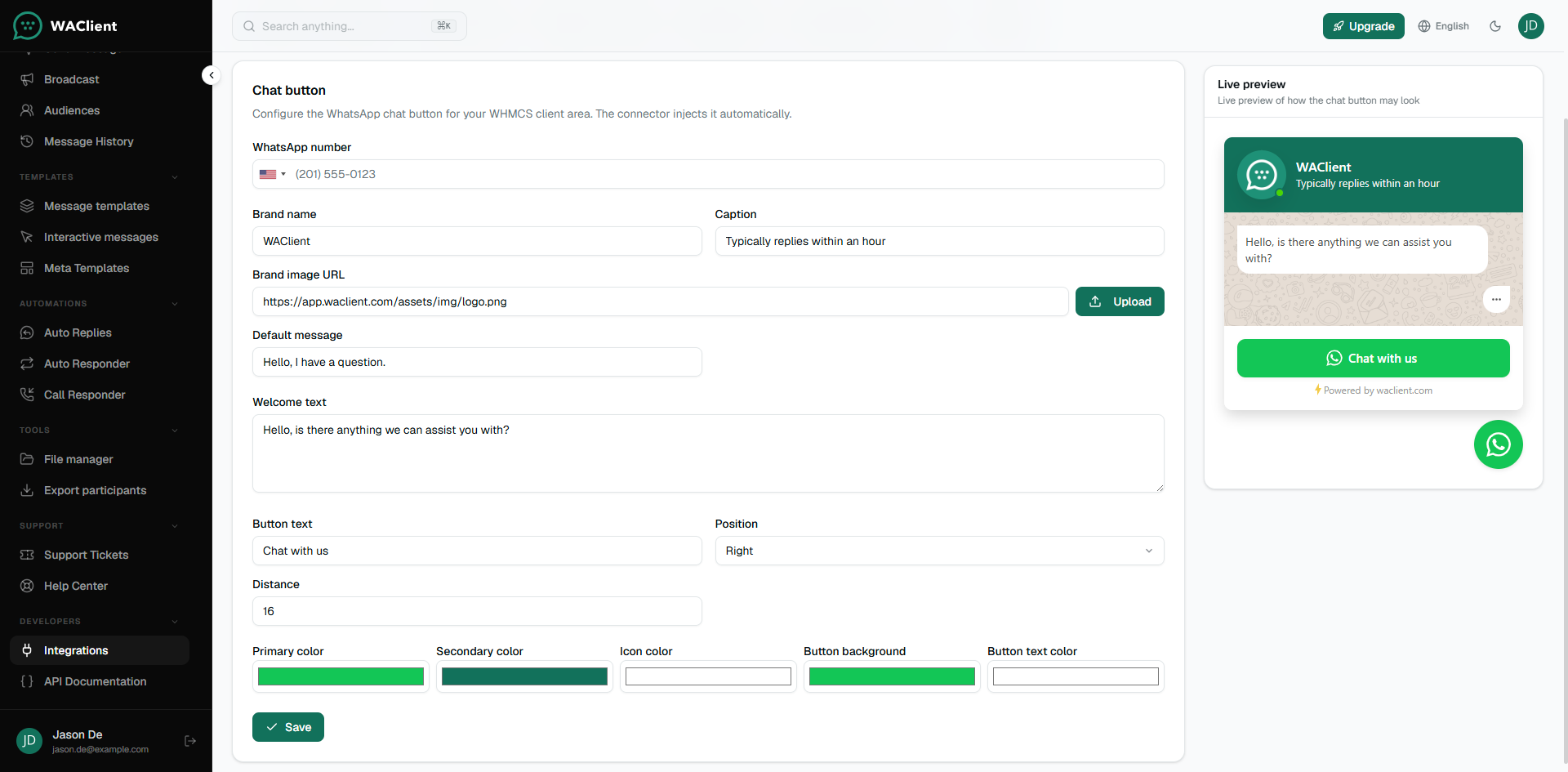
Configure the floating WhatsApp button that the connector injects into your WHMCS client area.
The chat button is designed in WAClient and injected by the connector into the WHMCS client area footer. Clients tap it to start a WhatsApp chat with your number.
Enable it
- Open the connection → Settings and turn on Show chat button.
- Open Tools → Chat button.
- Set the WhatsApp number, brand name, welcome text, button label, position, and colors.
- Use the live preview, then save.
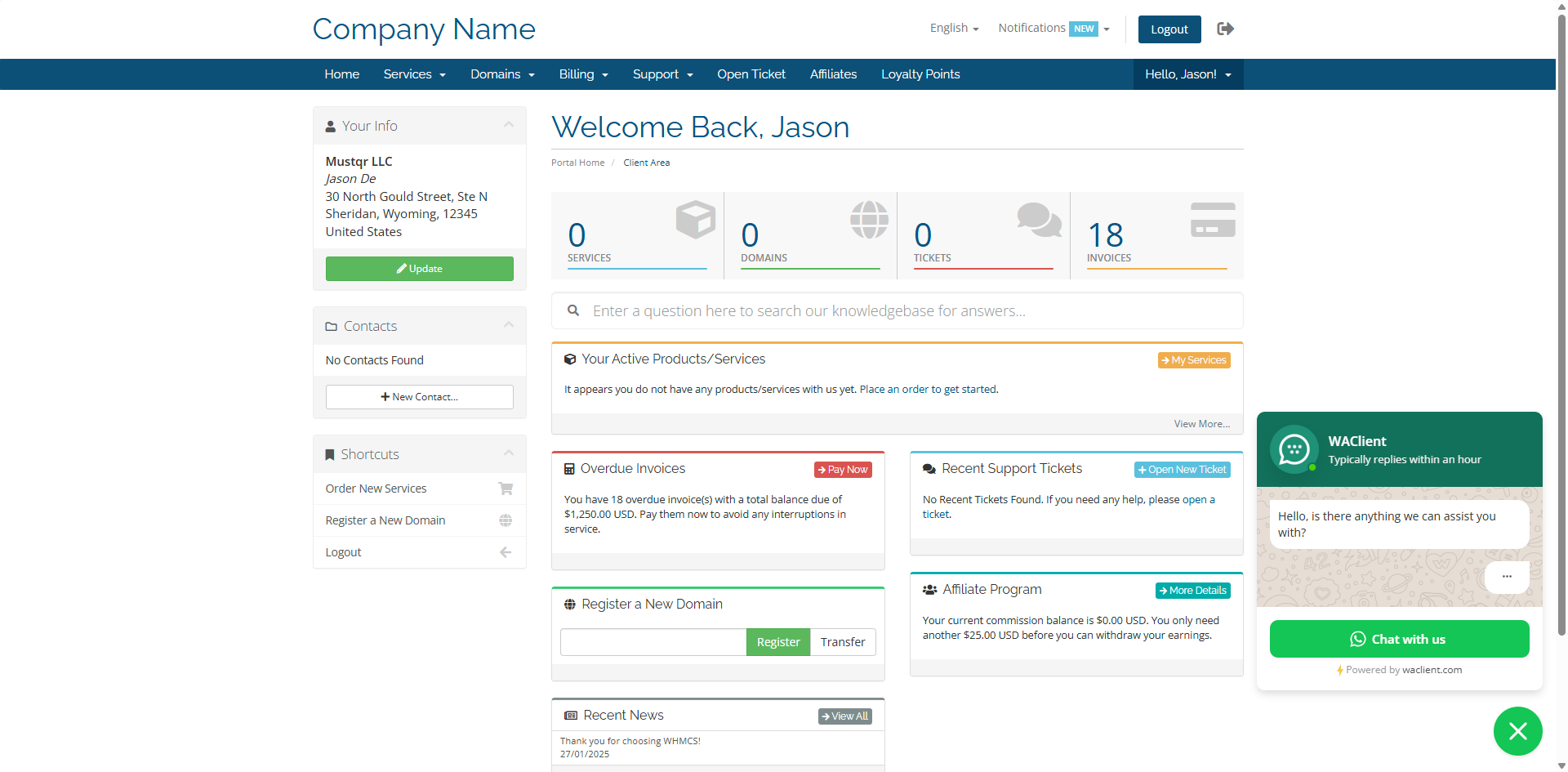
If the button does not appear, confirm the connector is Connected, Show chat button is on, and you are viewing a normal client area page (not the admin area).