

Export or import a WHMCS connection
Back up connection settings and templates, or copy them to another WAClient connection.
Open the connection → Tools → Export / Import.
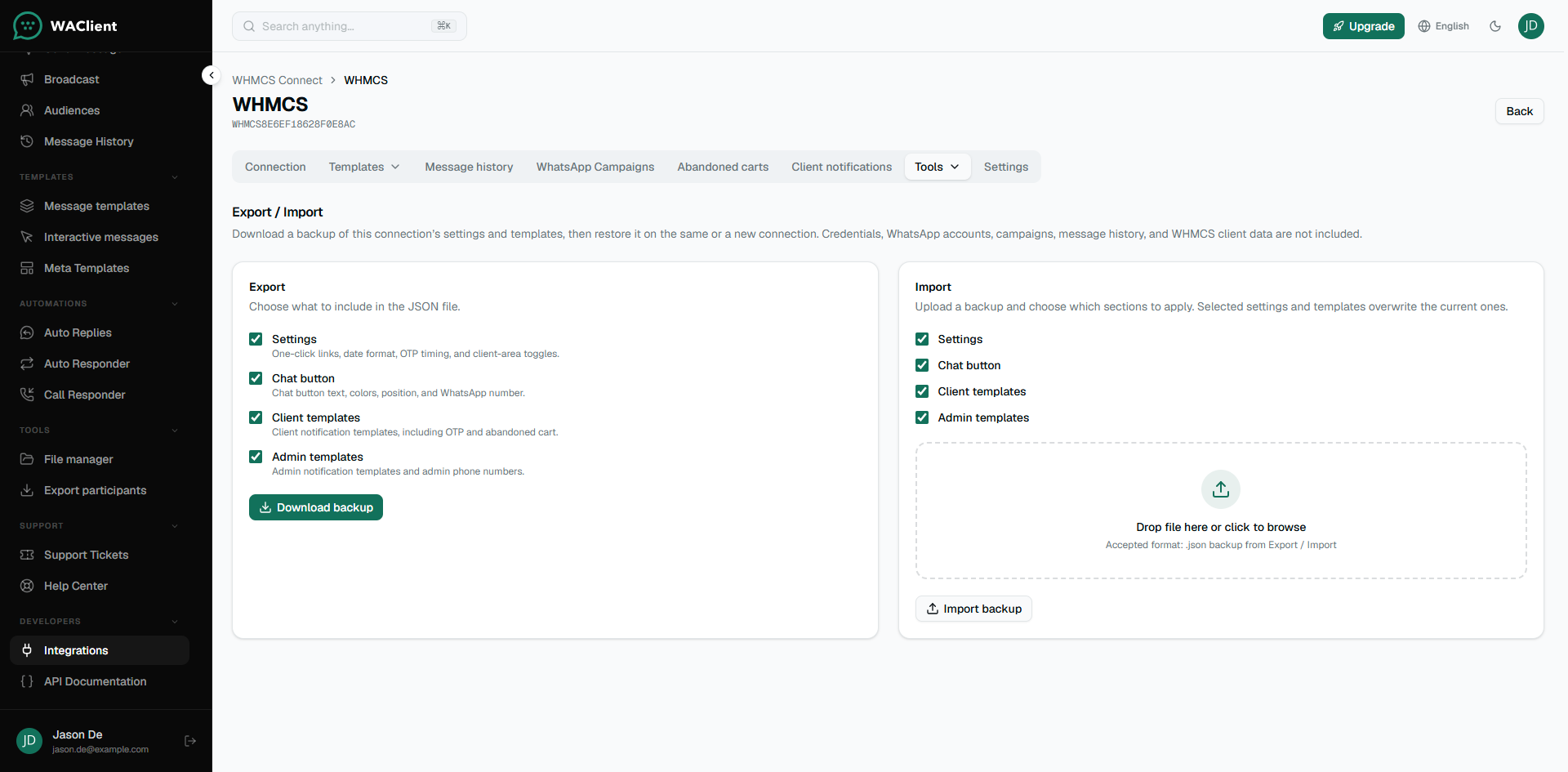
Use export when you want a backup of templates and connection settings before a big change, or when you are cloning setup to another billing brand.
What is included
- Notification templates and related mappings
- Connection settings such as one-click options and client-area toggles
- Chat button configuration (when included in your export)
What is not included
- Connection ID / Secret
- WhatsApp account sessions or Cloud tokens
- WHMCS client records, carts, or OTP history
- Full campaign send history (imported campaigns typically arrive as drafts)
After import, review every Active template and re-select WhatsApp accounts if the new connection uses different numbers. Test one invoice and one ticket before you rely on it in production.