

Send WhatsApp from a WHMCS client summary
Use Send WhatsApp Message on a client profile for one-off Web or Cloud messages.
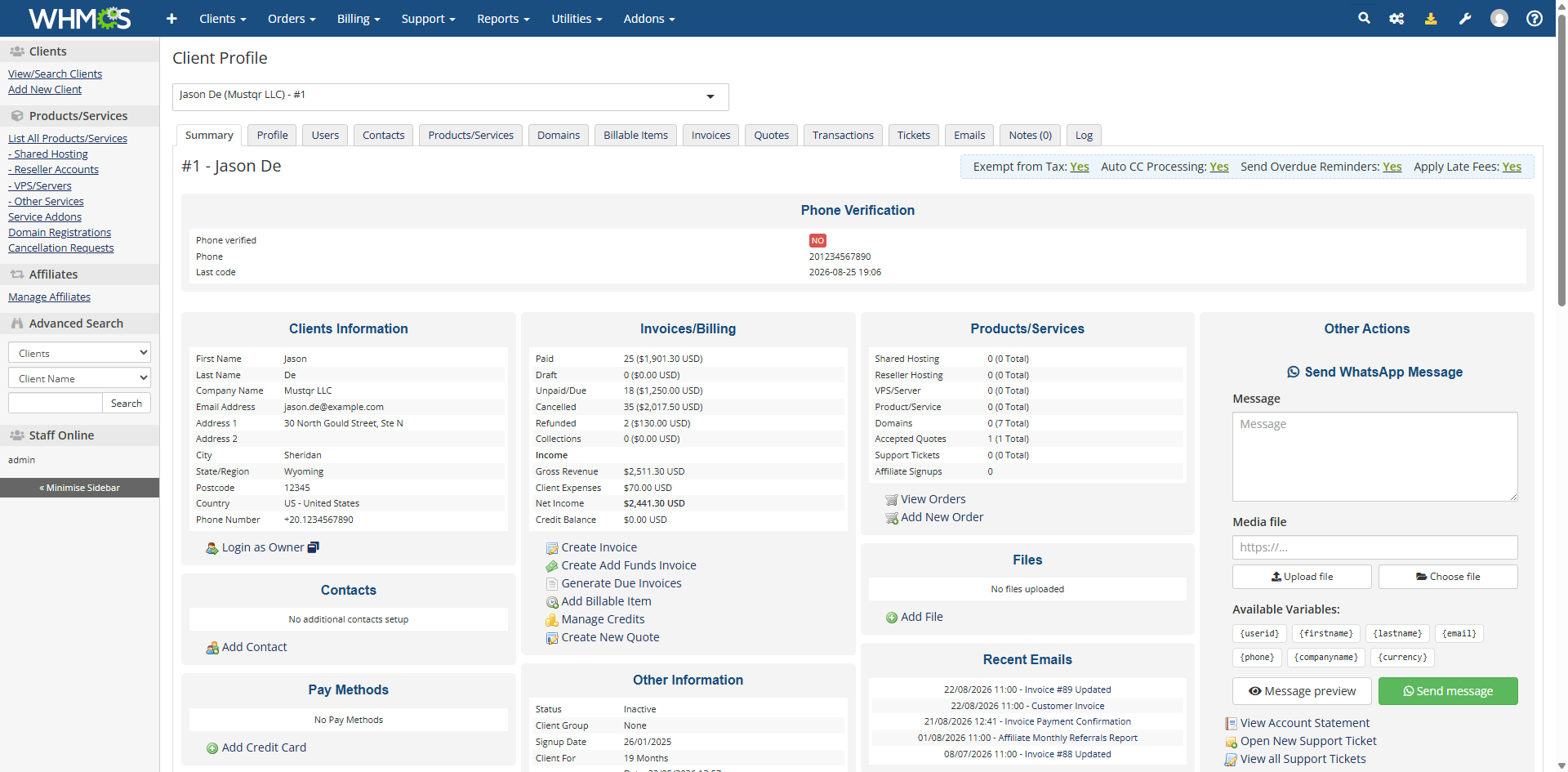
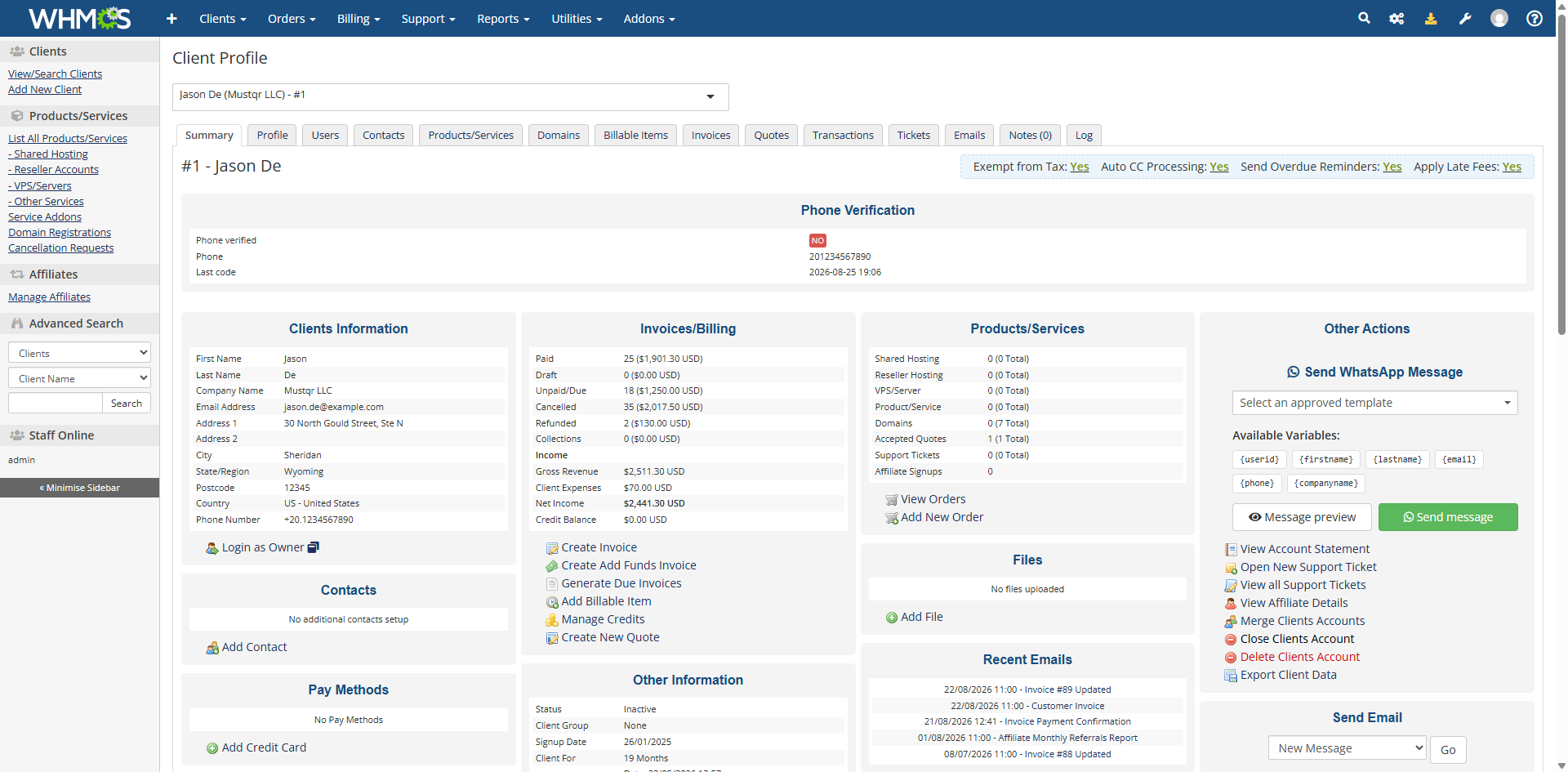
On a WHMCS client summary page, open Other Actions and choose Send WhatsApp Message.
WhatsApp Web connection
Type the message, optionally attach media, and send. You can insert client placeholders such as {firstname}, {email}, and {companyname}.
WhatsApp Cloud connection
Pick an approved Meta template, fill the required parameters, upload header media if the template needs it, then send.
If Enable contact notifications is on in the addon, matching contacts may receive a copy for this kind of manual send as well—check your addon setting if that is not what you want.
The connector must be connected and the WhatsApp account online, or the send will fail with an error in the form.